


Automate your data with
embeddable blocks
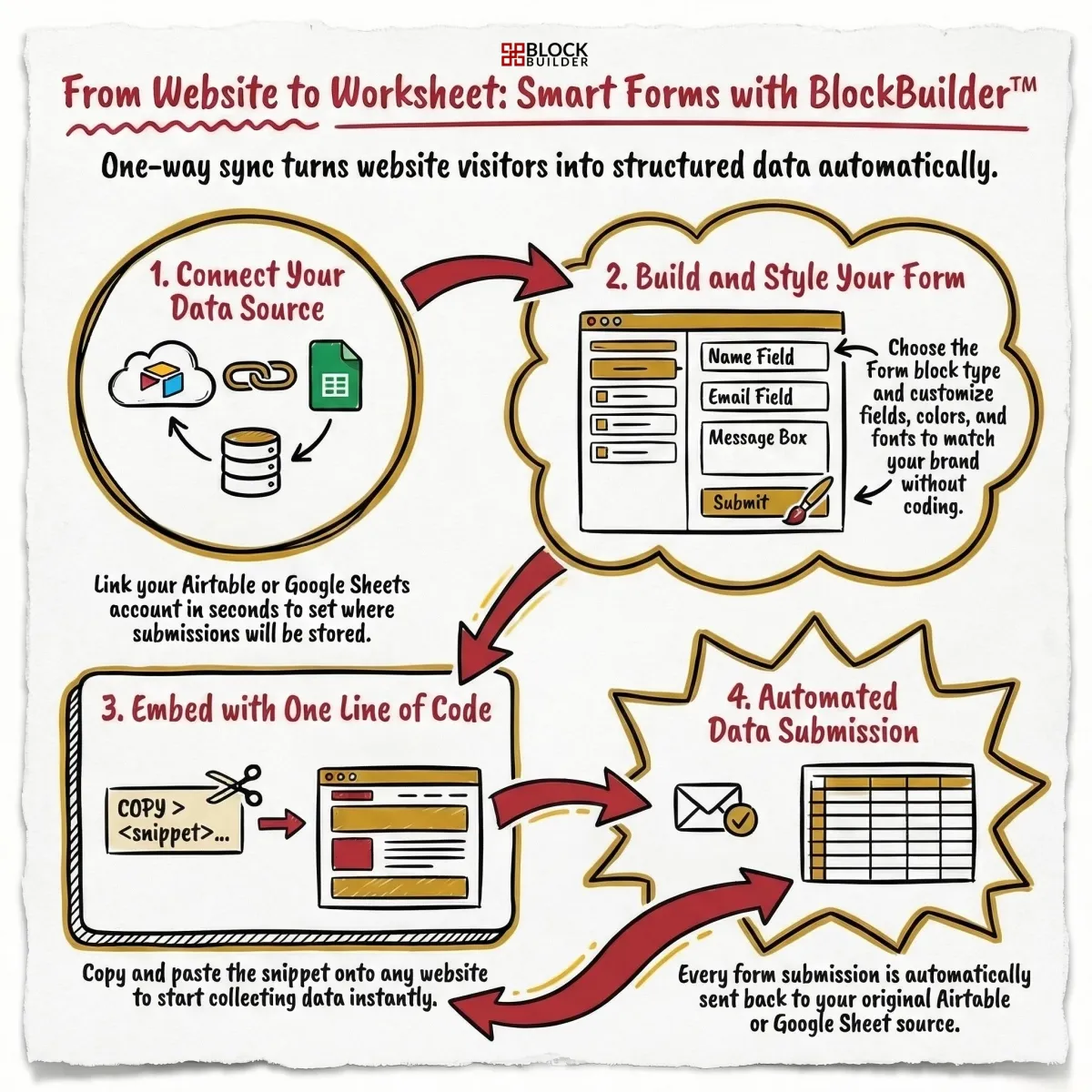
Convert Airtable & Google Sheets data into live blocks in seconds.
No coding required.
How BlockBuilder™ Works
Connect your data and create a block you can embed anywhere - website & emails!
STEP 1
Connect
Connect to Airtable and/or Google Sheets.
STEP 2

BUILD
Choose a block type and format it visually.
STEP 3
EMBED
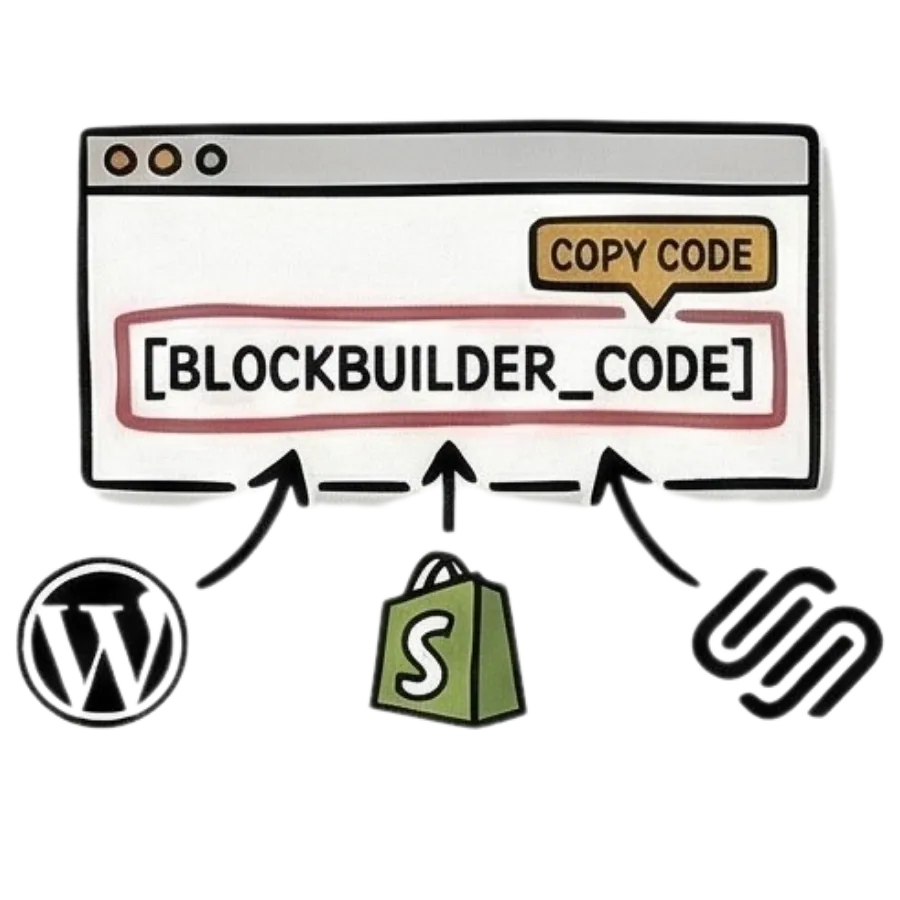
Copy & paste a code to your website or email builder.
Anytime your data changes in Airtable or Google Sheets, it will automatically update in the block!
Build Your Blocks in 60 Seconds
Creating a block is quick and simple - watch below!
<> Embed Anywhere
If your website or email builder allows you to copy & paste html code, BlockBuilder™ will work.





















What Can You Build?
BlockBuilder™ turns your Airtable or Google Sheets data into live blocks you can embed anywhere - without building a full app.
Here are just a few things you can create...
Leaderboards
Display rankings and results that update automatically.
Perfect for:
• Challenges
• Affiliate contests
• Community competitions
• Contribution rankings
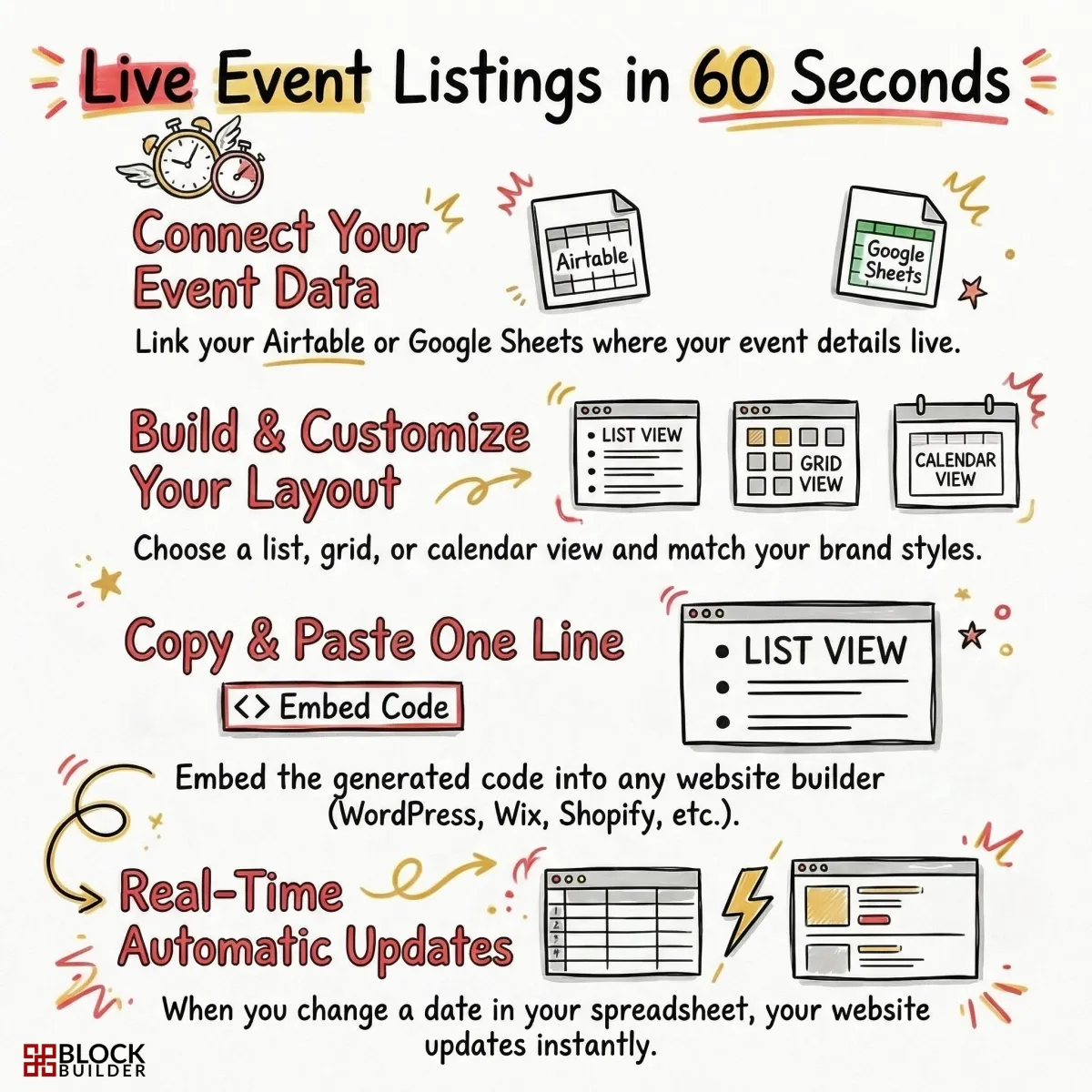
Event Listings
Display upcoming events with your audience.
Perfect for:
• Conferences
• Workshops
• Community events
• Online trainings
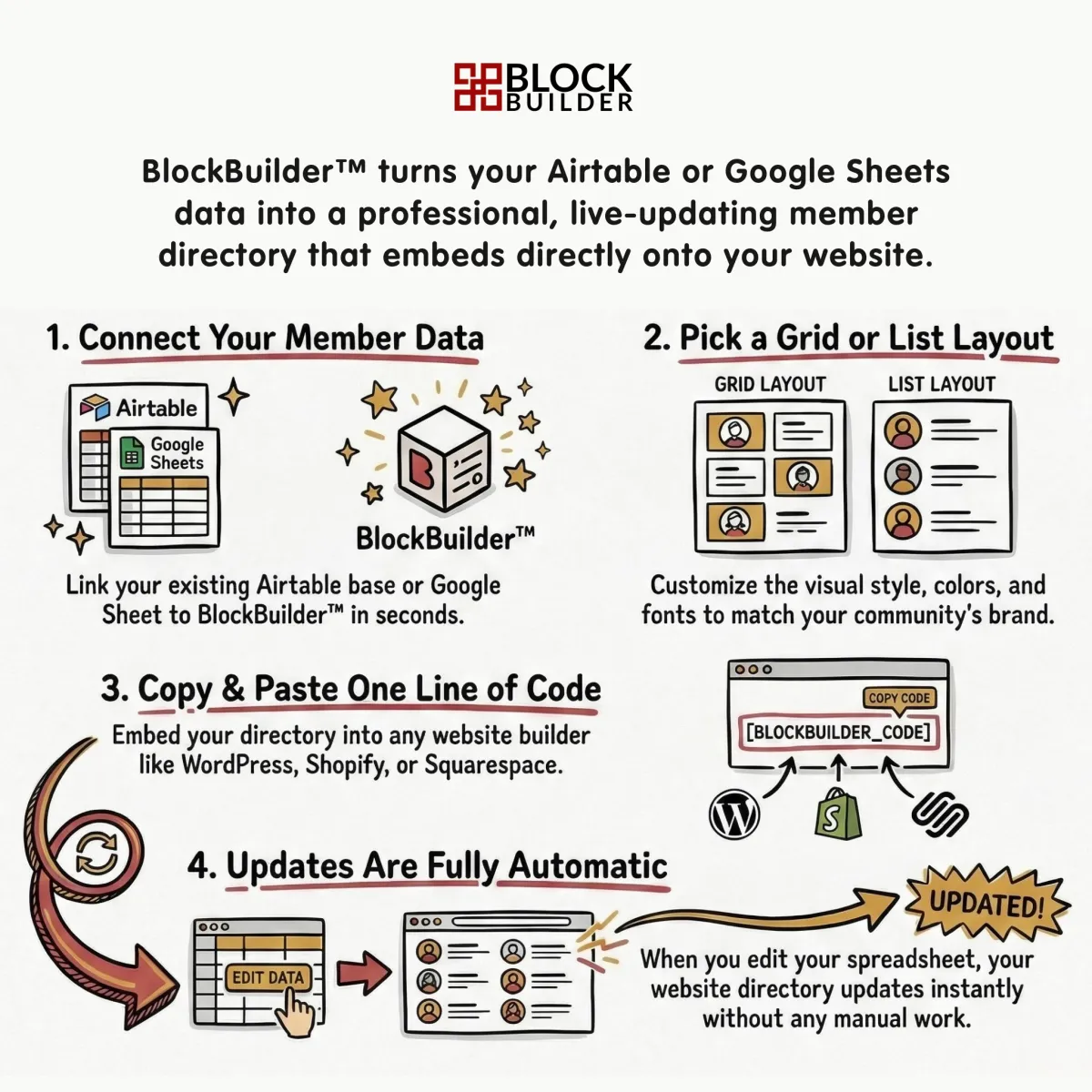
Member Directories
Showcase your community members.
Perfect for:
• Mastermind groups
• Membership communities
• Speaker directories
• Partner directories
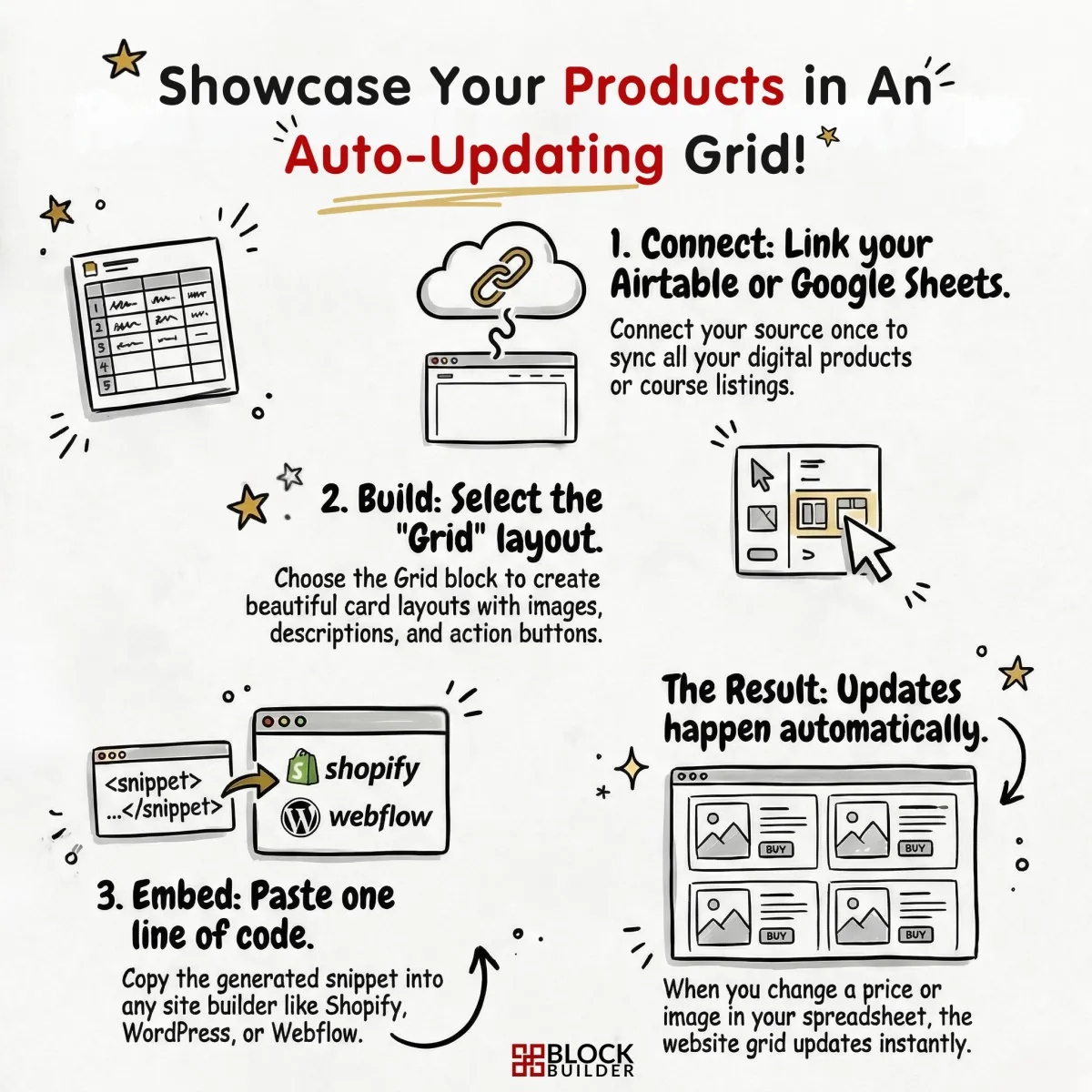
Product Library
Share without manually updating your website.
Perfect for:
• Digital products
• Featured offers
• Course listings
• Product collections
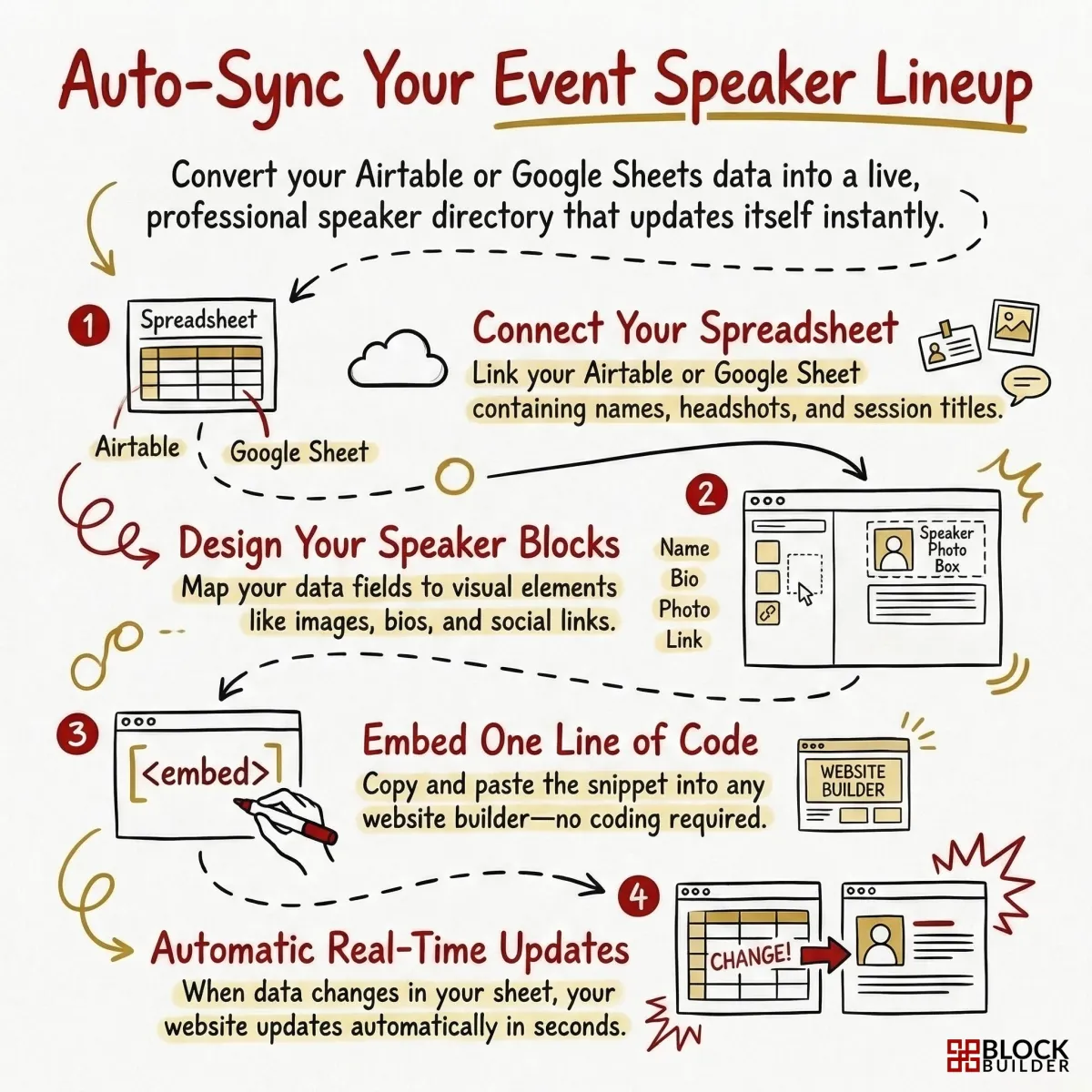
Speakers & Sponsors
Highlight contributors in a clean, organized display.
Perfect for:
• Event sponsors
• Podcast guests
• Summit speakers
• Brand partners
Live Progress
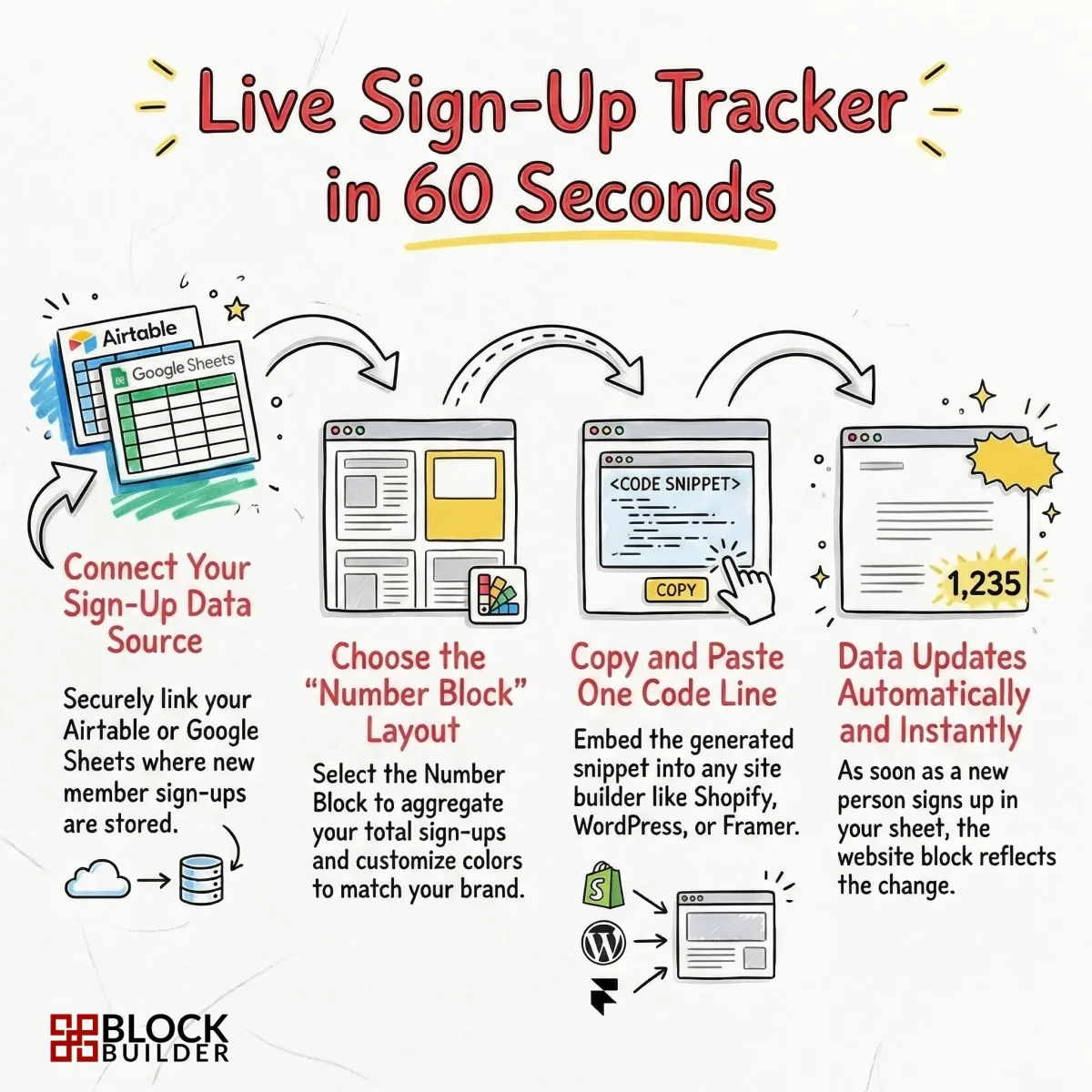
Showcase metrics or milestones in real-time.
Perfect for:
• New buyers
• Subscriber counts
• Revenue milestones
• Download totals
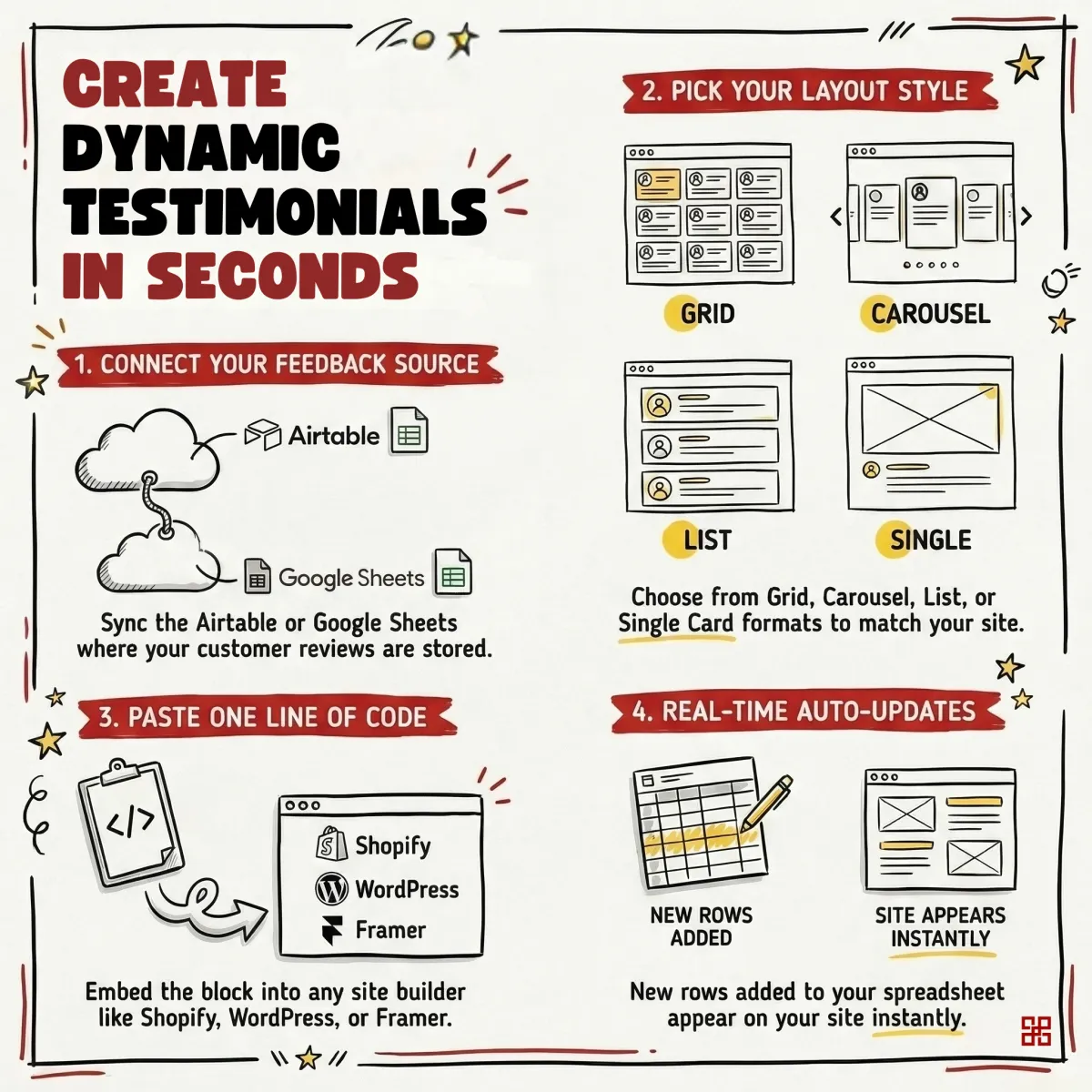
Testimonials
Display & auto-update testimonials on your website.
Perfect for:
• Customer testimonials
• Client success stories
• Product reviews
• Community feedback
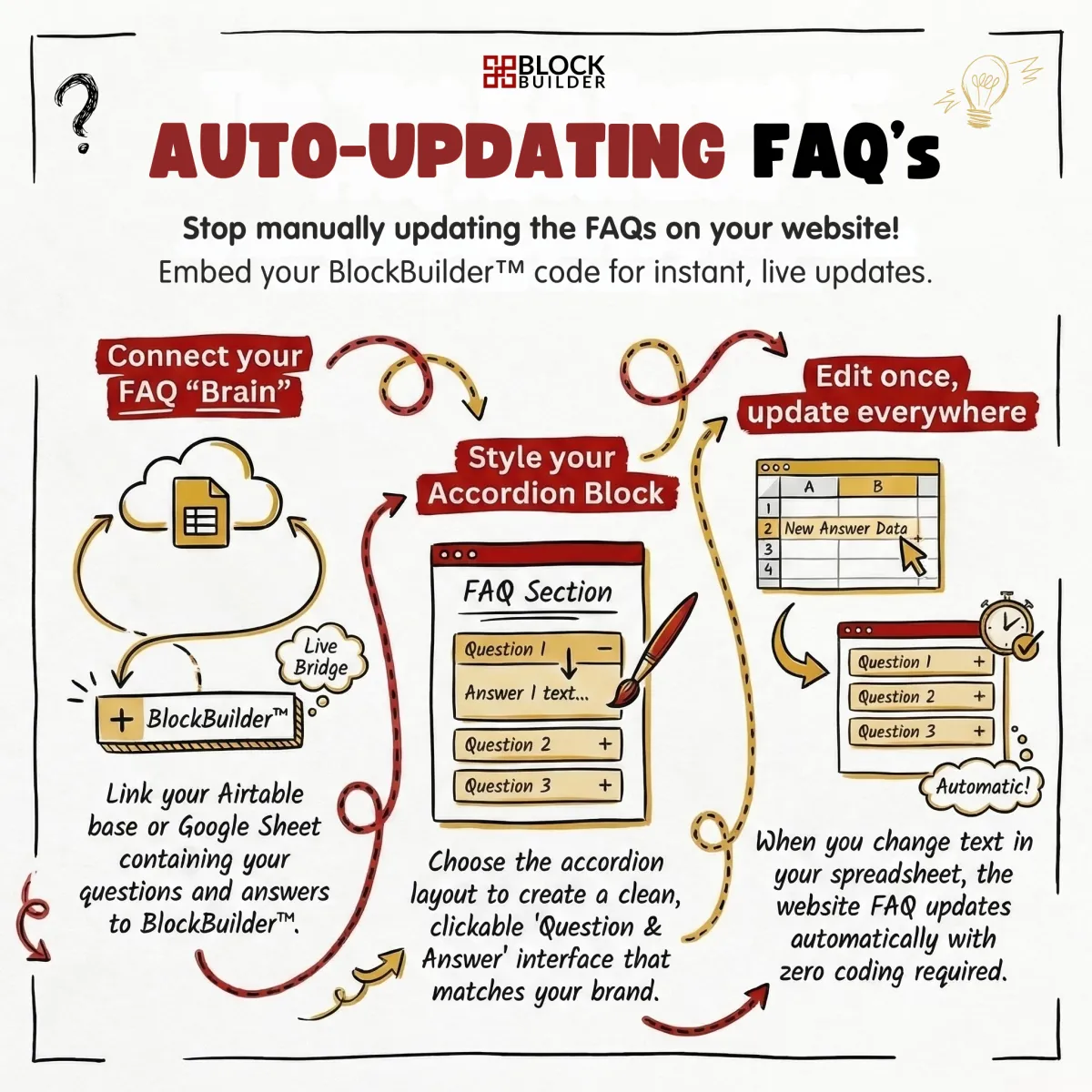
FAQs
Add a searchable library of frequently asked questions.
Perfect for:
• Product FAQs
• Event FAQs
• Customer support questions
• Onboarding guides
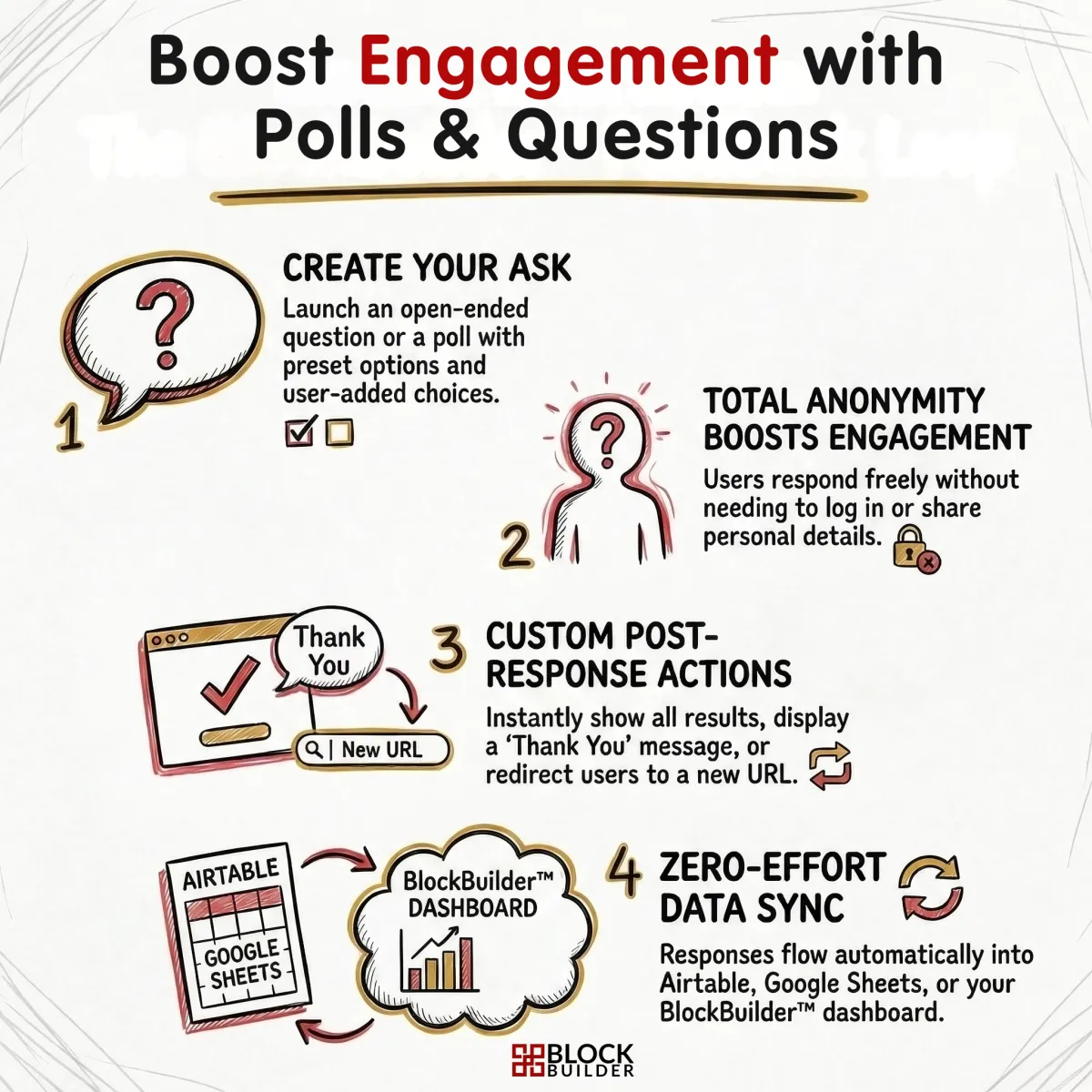
Polls & Questions
Collect responses and track results.
Perfect for:
• Audience feedback
• Community engagement
• Event polls
• Product research
Unlimited blocks. Infinite possibilities.
Every block is fully customizable — colors, fonts, filters, sorting, pagination and more.
List
Sortable, searchable tables from your data.
Grid
Beautiful card layouts with images & actions.
Chart
Beautiful card layouts with images & actions.
Testimonials
Display & auto-update testimonials.
Accordian
Condense information into containers.
Polls
Create simple polls and display the results.
Questions
Ask questions & collect responses.
Forms
Create smart forms with conditional fields.
Rich Text
Add custom content with a rich text editor.
Numbers
Display KPI's, currency, percentage & more!
We’re always creating new blocks to give you even more ways to display your data.
Try It Yourself👇
Type your answer in the box anonymously & you'll see what others have shared too!
No refreshing, no forms, no complicated setup.
One block. Endless uses.
Use this same block in your business to collect feedback, engage your audience, conduct market research, gather success stories, and more!
All responses feed directly into your Airtable or Google Sheets automatically.
Real-Time Analytics
Know exactly how your blocks perform — every view, click, and visitor is tracked automatically.
12,847
Views
3,291
Visitors
4.7%
Click Rate
24
Live Now
Real-Time Views
Track every impression across all your embedded blocks, updated live as visitors interact.
Live Visitor Counter
See how many people are viewing your blocks right now with a real-time rolling window.
Click Tracking
Monitor button clicks and calculate click-through rates to measure engagement.
Referrer Insights
Discover where your traffic comes from with automatic referrer source detection and ranking.
Device Breakdown
Understand your audience with desktop vs. mobile split visualized in interactive charts.
CSV Export
Export your full analytics data — summary, referrers, per-block stats, and daily trends — in one click.
Built Different. Priced Different.
BlockBuilder™ is designed to work inside your existing websites, landing pages and emails - not start from scratch.
No limits, upgrade tiers or monthly fees.
FOUNDING MEMBER SPECIAL
lifetime access
$99
Normal Price: $297
67% off for the first 100 users
Pay once & get lifetime access
Unlimited access to all current & future blocks
Embed on unlimited websites & emails
Data refreshed instantly
Real-time analytics dashboards
Sort, organize, & filter blocks
Ongoing updates included
Private, user-only affiliate program
Connect to Airtable or Google Sheets
No BlockBuilder™ logo
After the first 100 spaces are sold, the price will increase. Join now to get in first & unlock the biggest savings!
Frequently Asked Questions
Question not listed? Send us a message in the chat box below!
What is BlockBuilder?
BlockBuilder lets you turn your Airtable or Google Sheets data into beautiful, embeddable content blocks — lists, grids, charts, forms, and more — without writing any code.
How is BlockBuilder different?
BlockBuilder is designed for one thing: embedding dynamic, data-powered content blocks directly into your existing website.
There's no complicated apps to manage, no separate URLs needed — just simple, auto-updating components that live inside your site.
Founding members can join for one-time payment, not a monthly subscription.
How does it work?
Connect your data source, pick a block type, map your fields, customize the design, and copy a single embed code. Paste it into any website and your block updates automatically when your data changes.
What data sources are available?
You have the option to connect to Airtable or Google Sheets as a data source.
What types of blocks can I create?
Lists, grids, charts (bar, line, pie, donut, scatter, rose), rich text, number/stat displays, and forms that write data back to your spreadsheet or Airtable base.
Where can I embed blocks?
Anywhere that supports custom HTML — Simple Business Suite™, Shopify, WordPress, Squarespace, Wix, Webflow, Notion, or your own site.
Do I need to know how to code?
No. Everything is copy and paste. You just connect your data and customize the look.
Will my block update automatically when my data changes?
Yes. Blocks pull live data from your Airtable or Google Sheet, so they always reflect the latest information.
Do I need my own domain or hosting?
Nope. BlockBuilder generates an embed snippet you paste into any existing website — Shopify, WordPress, Squarespace, Webflow, or plain HTML. No domain or hosting required on your end.
What if I don't have a website yet?
No problem. Your founding member purchase gives you lifetime access, so you can set up your blocks whenever you're ready. Build your site first, then come back and embed.
Is there a limit to how many blocks I can create?
No. Create as many blocks as you need — lists, grids, charts, forms, numbers, text — across as many pages or sites as you want. No caps, no tiers.
Can I use BlockBuilder on multiple websites?
Yes. There's no limit to how many sites you embed your blocks on. One account covers everything.
Will my blocks slow down my website?
No. Blocks load asynchronously in a lightweight iframe, so they won't affect your page's load speed or SEO.
Is my data secure?
Your API keys are stored securely and never exposed in the embed code. Data is fetched server-side through encrypted connections.
Is this a subscription?
No. Founding members get lifetime access to BlockBuilder for one payment. No future payments or hidden fees ever.
What do I need to get started?
An Airtable Personal Access Token or a Google Sheets API key. Setup takes about 2 minutes — we have step-by-step guides available.
Can I customize the design to match my brand?
Absolutely. You control colors, fonts, border radius, layout, spacing, and more for every block.
Do you offer refunds?
No. Because you receive immediate, lifetime access to the full platform upon purchase, we don't offer refunds. We recommend reviewing the demo and FAQs before buying to make sure BlockBuilder is the right fit.
© 2026 BlockBuilder™. All rights reserved.
Created by Steph Blake | The Blake Collective, LLC
This page is powered by the Simple Business Suite™